Data Repair detects and resolves minor errors, inconsistencies, or malformed values in existing data, keeping changes minimal and targeted. Describe what changes you want, and the system intelligently applies them across your data while maintaining consistency and quality.

Supported Input Formats

Data Repair accepts multiple file formats:
  • JSON (.json) - Single JSON object or array
  • JSONL (.jsonl) - JSON Lines format, one record per line
  • YAML (.yaml, .yml) - YAML format
You can also specify a directory as input. The CLI automatically aggregates all supported files within the directory (up to 3 levels deep).

Parameters

ParameterRequiredDescription
inputYesPath to input data file or directory
requestYesDescription of modifications to apply
domainNoDomain context for modification
schema_fileNoPath to a local schema file
mcp_server_urlNoURL of an MCP server providing the schema
reference_docNoReference documentation path
Providing schema_file or mcp_server_url gives the repair process access to your full function schema.
This feature uses the standard chatbot interaction flow. Describe what modifications you want in natural language, and the CLI guides you through parameter collection and confirmation.

Execution and Completion

After confirmation, the CLI displays a progress panel showing real-time status as each record is modified. The panel updates dynamically with elapsed time and current processing status.
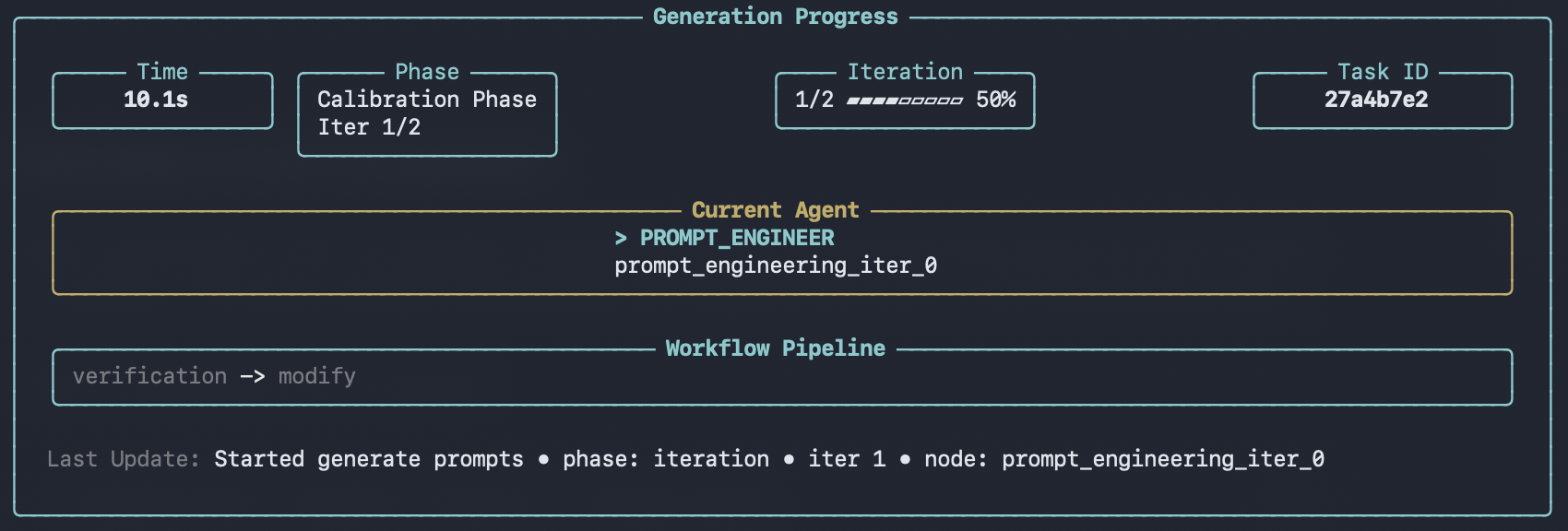

Progress panel showing real-time status during data repair
When modifications are complete:
Data repair completion summary with output paths
Validate your repaired data with Data Audit to ensure quality standards are met.

Directory Input

You can specify a directory to modify multiple files at once. The CLI automatically aggregates all supported files within the directory (up to 3 levels deep) and processes them together.
EigenData> Modify all conversations in ./data/all_conversations/ to use formal language
The CLI will find and process all .json, .jsonl, .yaml, and .yml files in the specified directory.

Output

After a run completes, results are saved under outputs/ as a new run directory, for example:
  • outputs/modified_data_<run_id>/
Inside the run directory:
  • modified_data_with_details.jsonl - Detailed modification results (includes applied changes)
  • modified_data.jsonl - Stripped output containing only the modified content
  • datapoints/ - One JSON file per sample (expanded view of modified_data.jsonl)
  • metadata.json - Run metadata (task type, parameters, primary files, timestamps)
The viewer can browse and render these outputs.

Using /execute

You can also run data-repair non-interactively via /execute with a YAML config. Prerequisites
  • You have a YAML configuration file available.
  • You configure a schema source via /configure, or provide one in the YAML config (for example, mcp_server_url).
task: data-repair
input: ./data/conversations.jsonl
request: Update the assistant tone to be more formal and consistent.
mcp_server_url: http://127.0.0.1:8009