Installation
Supported Platforms
Prerequisites
Before installing EigenData-CLI, ensure you have Node.js 18+ installed:Configure npm Registry
Before installing, configure npm to use the EigenAI GitHub Packages registry — contact support@eigenai.com to obtain your auth token, then run:Install EigenData-CLI
Choose the option that matches your environment:- With admin / own Node.js installation
- Without admin / sudo privileges
Install globally so the Verify the installation:Expected output:
eigendata command is available system-wide:Quick Start
Launch EigenData-CLI
Start the CLI by running:First-Time Setup
When you run EigenData-CLI for the first time, it will guide you through the initial configuration: API Key You need an API key to authenticate with EigenData services. Get your API key from the EigenAI page.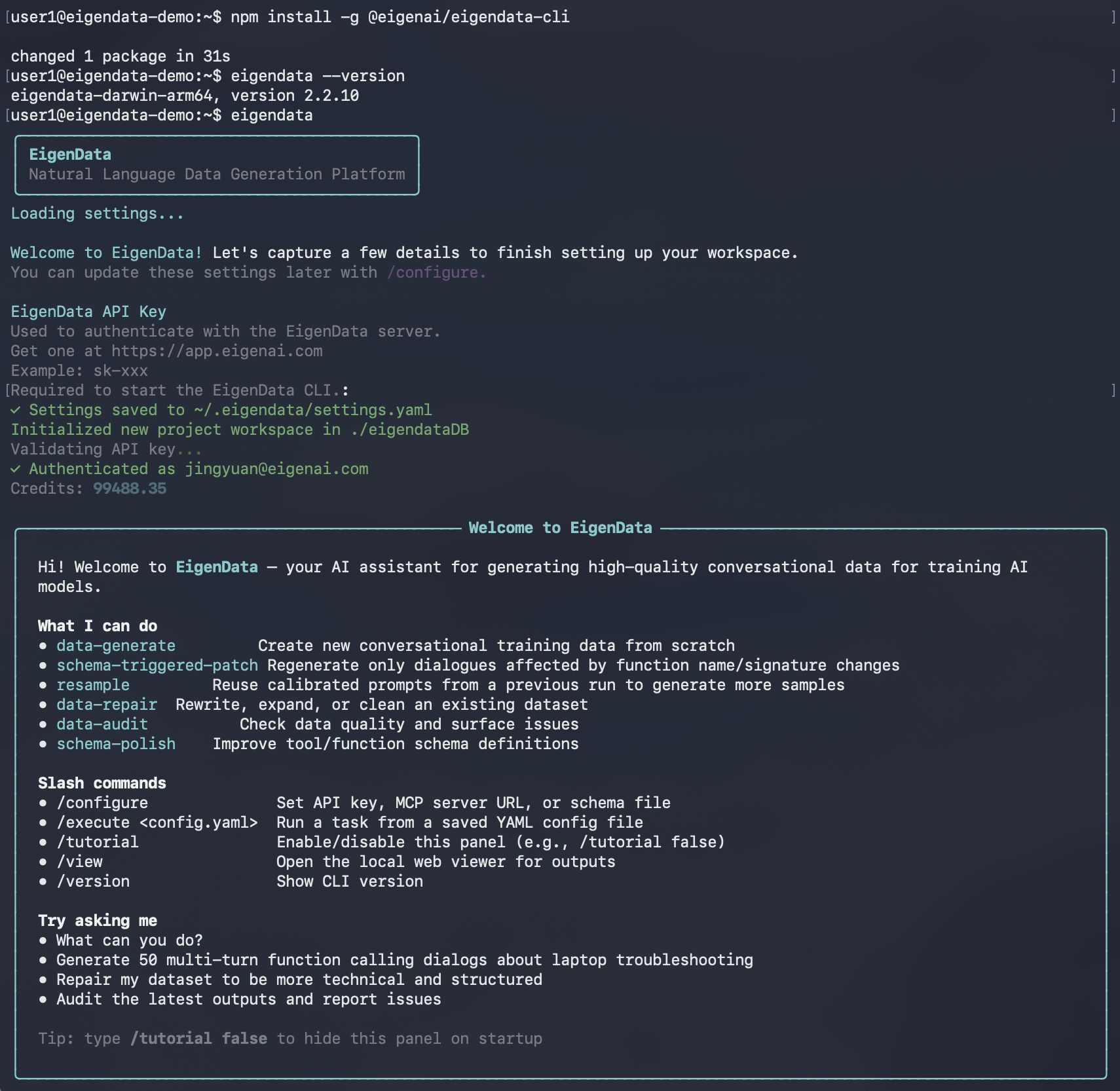
Start Using EigenData-CLI
Once initialization is complete, you’ll see the interactive prompt:commands:
What’s Next
Now that EigenData-CLI is installed and running, explore the key concepts and features:- Chatbot Interaction - How you interact with the CLI through natural language
- Function Schema - Define the tools available for data generation
- Domain & Reference Document - Provide context for your data domain
- Core Features - Schema polish, data generate, data repair, and data audit
- /configure - Update your settings at any time